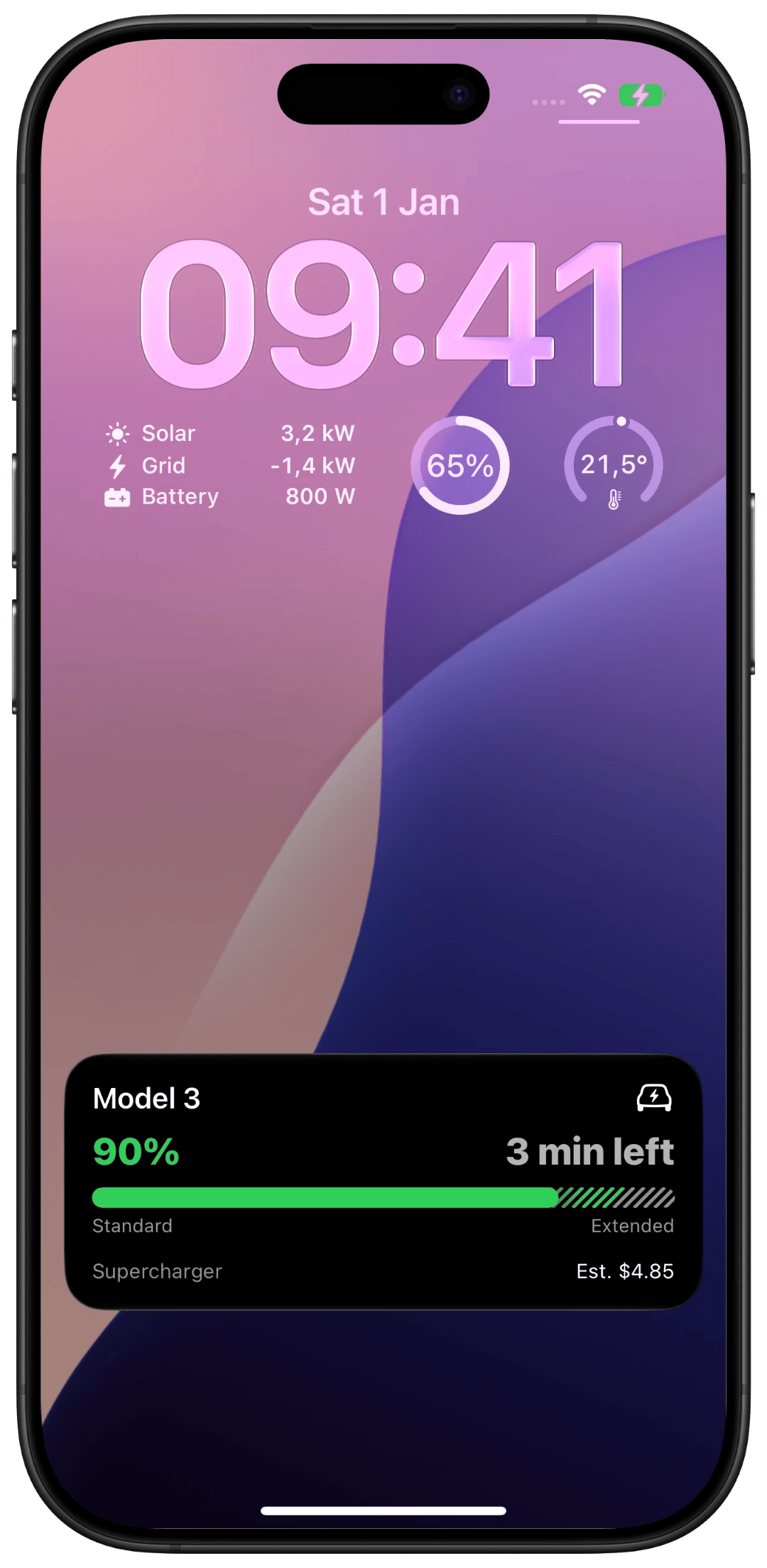
Anything you run,
live on your lock screen.
Aivi turns one PATCH request into a Live Activity on iPhone, Apple Watch, and CarPlay, and now
into persistent Lock Screen widgets, too. Made for Home Assistant, smart homes,
3D printers, and anything else with a state.
No SDK. No push certificates. If it can make an HTTP call, it works.
The API
Speak HTTP.
Get Live Activities.
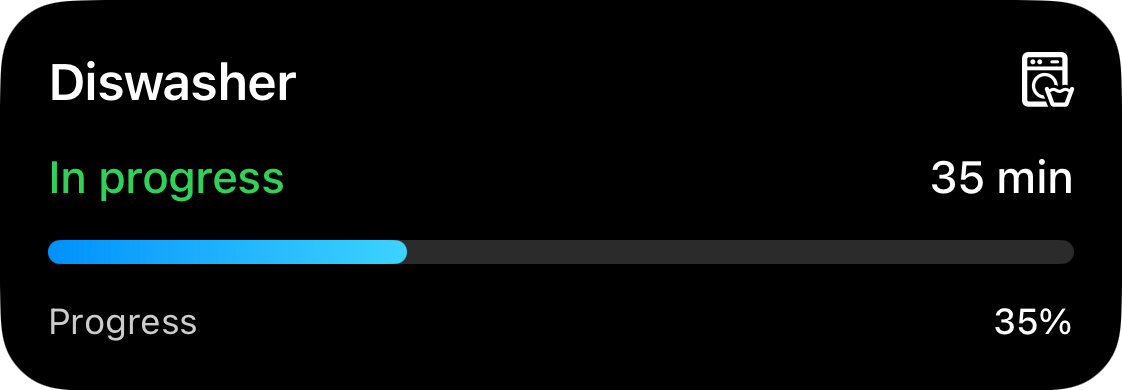
Live Activities normally require an app, push certificates, and an APNs ceremony. With Aivi, anything that can make an HTTP call, a bash script, Home Assistant, your CI, gets a native one in seconds.
PATCH /activity/washer

{
  "state": "ONGOING",
  "content": {
    "template": "progress",
    "progress": { "value": 0.35 }
  }
}
No SDK, no certificates
Skip APNs setup entirely. Your API key is the only credential, and curl is a perfectly good client.
Push, not poll
Updates go out only when state changes. Kind to servers, kind to batteries.
Templates
Looks native,
because it is.
You send JSON; Aivi renders it like Apple designed it. Progress bars, monitors, live timers: pick a template, choose an icon and colors, and your dishwasher suddenly has better UI than most apps.
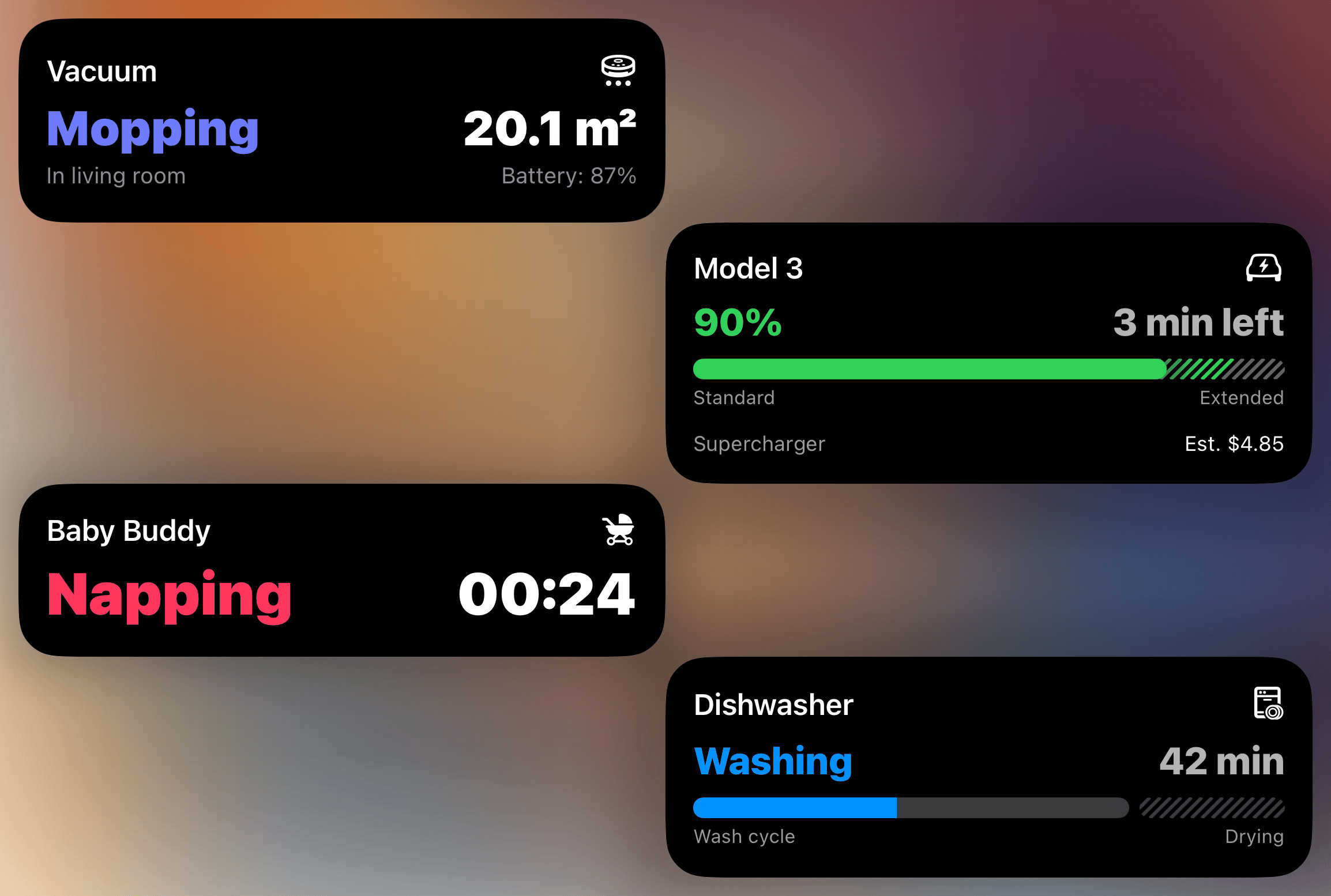
Icons and colors, yours
Pick an icon per activity and tint it any color, straight from the update payload.
Forever activities
Keep long-running activities alive past Apple's 8-hour limit, so a 3D print's progress stays on your Lock Screen for the whole job. Same for EV charging or all-day automations.
Everywhere
One update.
Every screen you own.
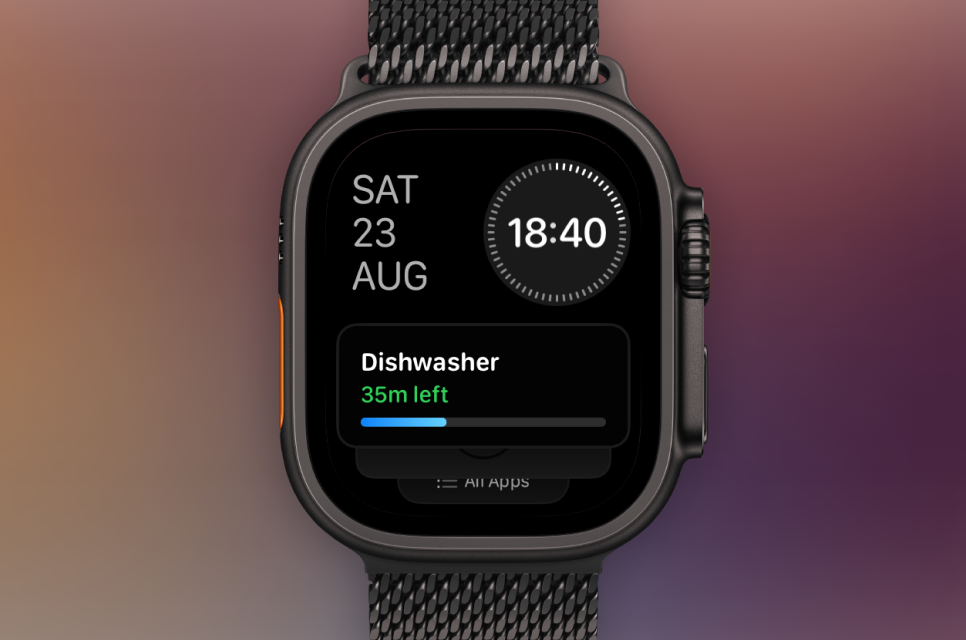
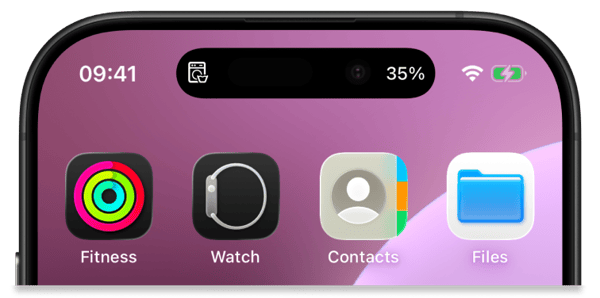
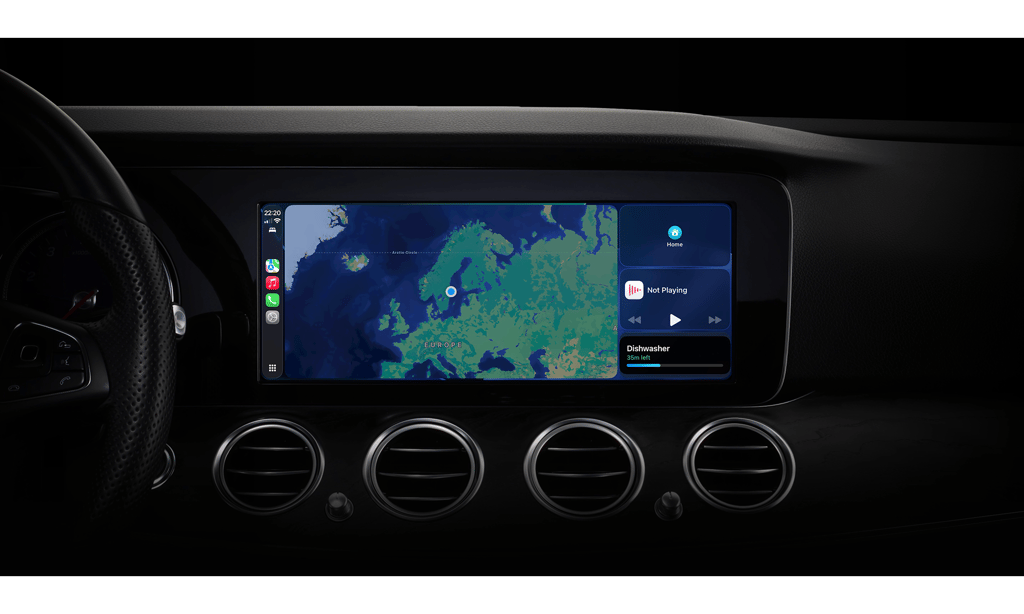
The same activity shows up on your lock screen, Dynamic Island, Apple Watch, and CarPlay simultaneously, kept in sync, with nothing extra to configure.
Dynamic Island
Compact, always-visible state at the top of your iPhone. Every Live Activity you push over the API lands in the Dynamic Island automatically.
With you on the go
The same activity rides the Smart Stack on your wrist and the CarPlay dashboard in your car. Zero extra setup.
Widgets
Live Activities end.
Widgets stay.
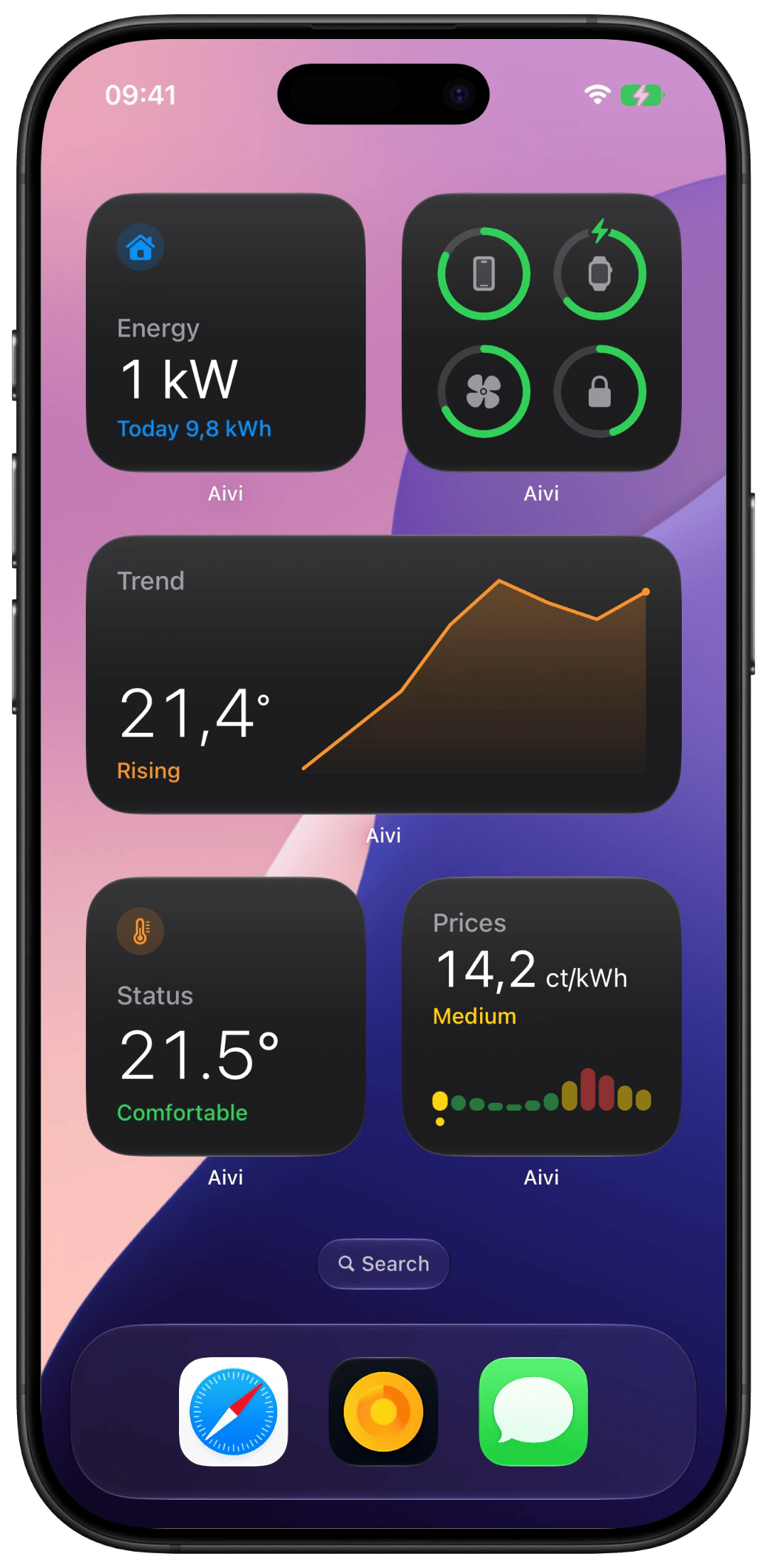
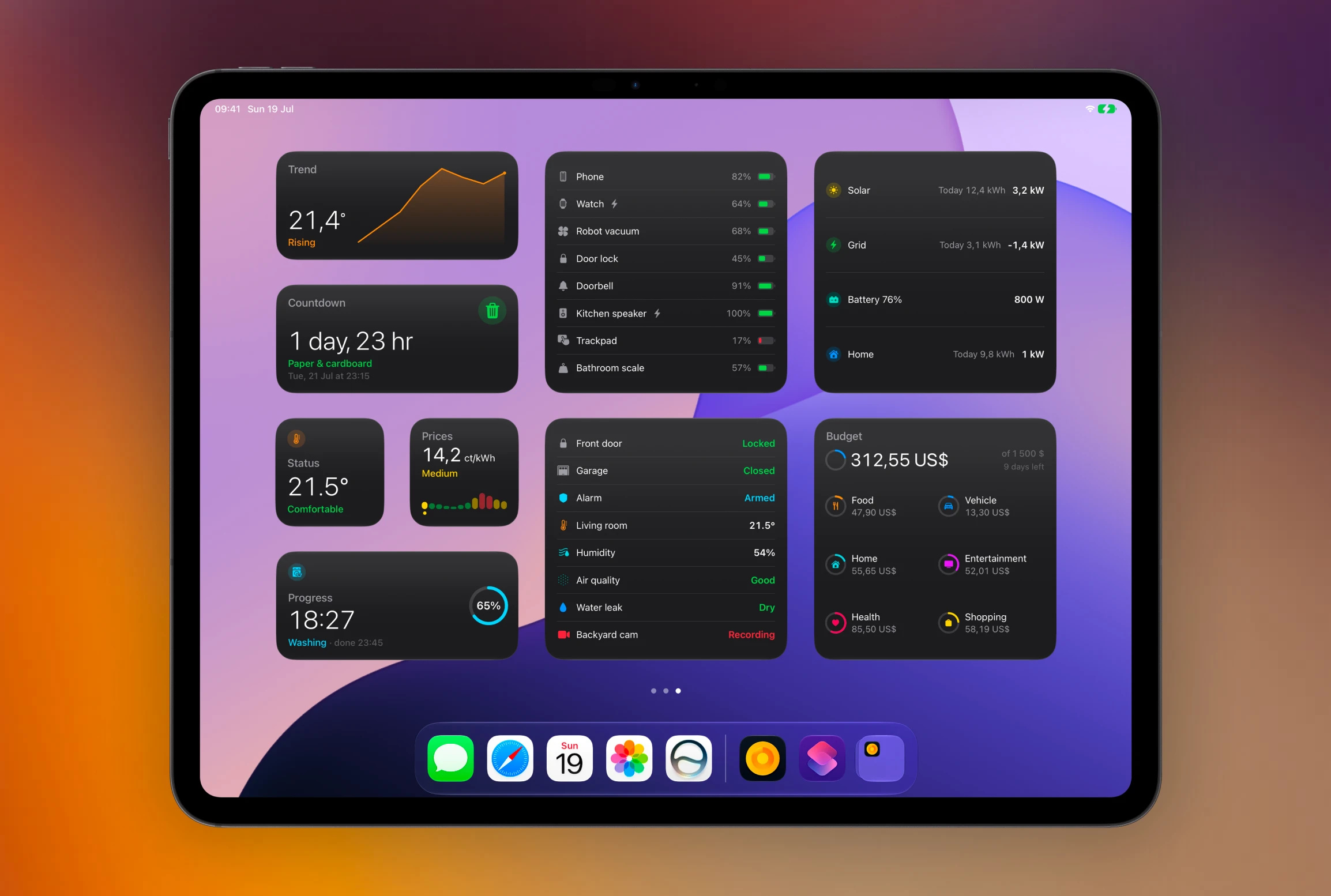
A Live Activity is for something happening right now. Widgets are for the meantime: persistent tiles on your Lock Screen, Home Screen, and watch face that quietly keep score all day. Same one-line PATCH, different noun.
Animates without updates
Timers tick and progress rings fill entirely on their own. Predictable widgets pre-render their future, so a countdown stays live without costing a single update.
Ten ready-made templates
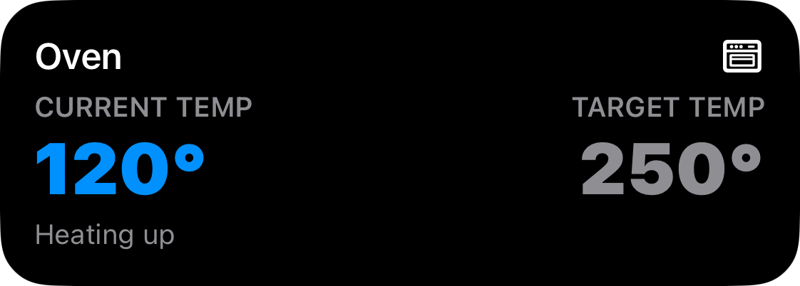
Status, gauge, progress, trend, countdown, list, batteries, prices, energy, and budget. Pick the shape that fits your data, send it numbers. The layout is already done. Point a Home Assistant sensor at any of them and it lands as a Lock Screen widget, not only as a Live Activity.
Widgets require iOS 26. Real-time moments are still Live Activities' job; widgets are the always-there layer.
Sharing
Your washer, the whole family's lock screens.
Every activity and widget can have up to five subscribers. Send an invite link; they tap it, and from then on their devices update in lockstep with yours. Subscribers never pay.





one update in, five lock screens out
Invite with a link
No accounts to create. Subscribers just need the app and your link.
Free for subscribers
One subscription covers everyone you share with.
Integrations
Plays nice with Home Assistant.
And the rest of your stack.
Home Assistant gets first-class treatment: your smart home lands on your lock screen with no custom components, no HACS, no YAML archaeology.
Import the official blueprint, pick your entities, done. The blueprint feeds a Live Activity from entity state, updating automatically on every change.
Integration guide →No blueprint for your thing? Node-RED, GitHub Actions, and the rest of your stack are one DIY HTTP call away.

Building something niche? Show the community what you wired up.
Share it on GitHub →And the rest
A catalogue of
nice touches.
Small things that make the day-to-day better. No headline acts here, just the supporting cast.
14:32
Live timers
Count down on-device. Zero extra API calls.
×5
Concurrent activities
Washer, EV, printer, sauna, oven. At once.
0%
Battery drama
Pushes only on change. No polling, no drain.
∞
Forever activities
Run past Apple's 8-hour limit. Keep going as long as you need.
⚑
Activity priority
High, Normal, or Low. Important activities get the spotlight first.
:ss
Smart time formatters
Send a timestamp; the device keeps the countdown accurate on its own.
⊞
Board widget
Tiles several of your widgets into one grid. One slot, the whole house.
as of 14:32
Honest freshness
Data gone quiet says so, instead of posing as current.
×20
Room for all of it
Up to twenty widgets at once, fed from anywhere.
▶
Shortcuts, natively
An Update Widget action for automations, schedules, and the Action button.
••••
Widget privacy
Sensitive readings stay hidden while the device is locked.
↗
Tap actions
Tap an activity, land anywhere: your dashboard, your app, a camera feed.
From the community
Real things
people track.
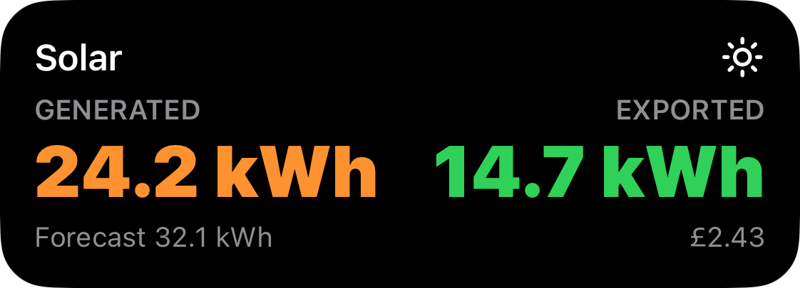
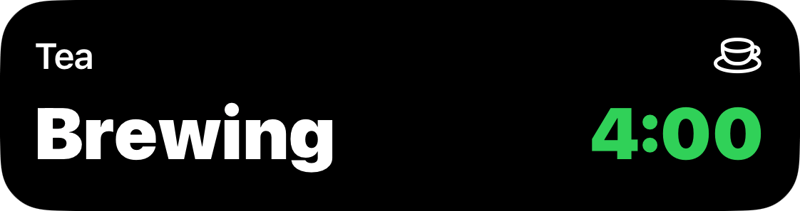
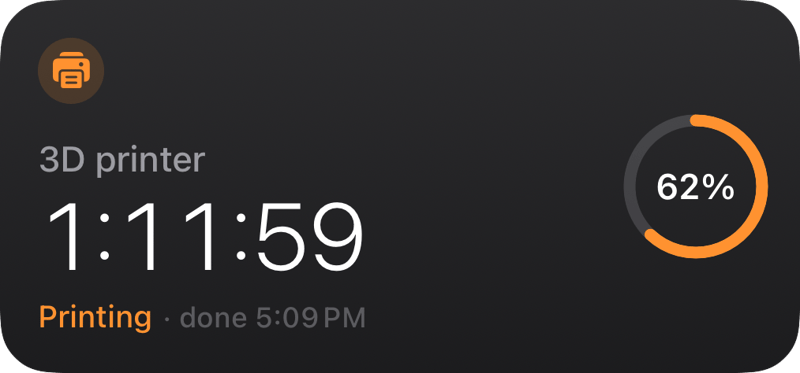
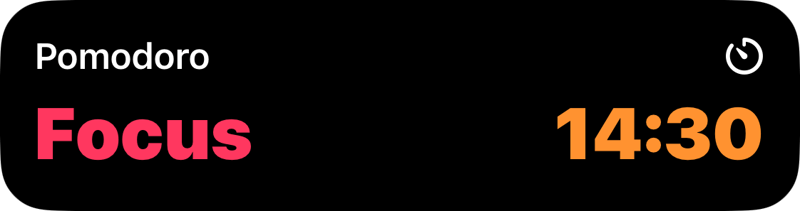
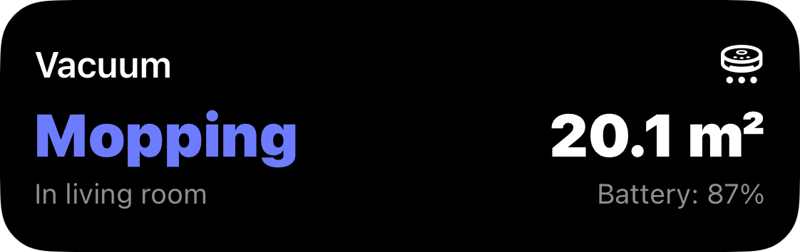
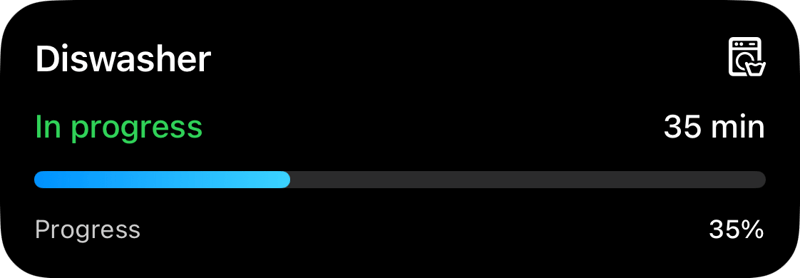
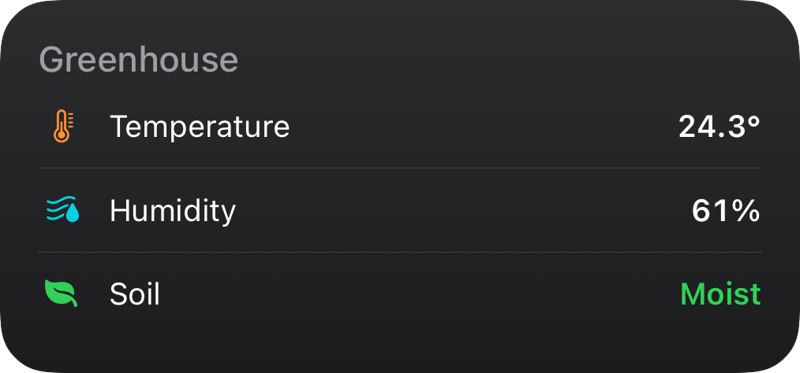
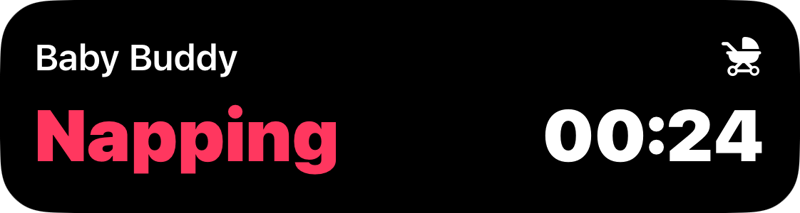
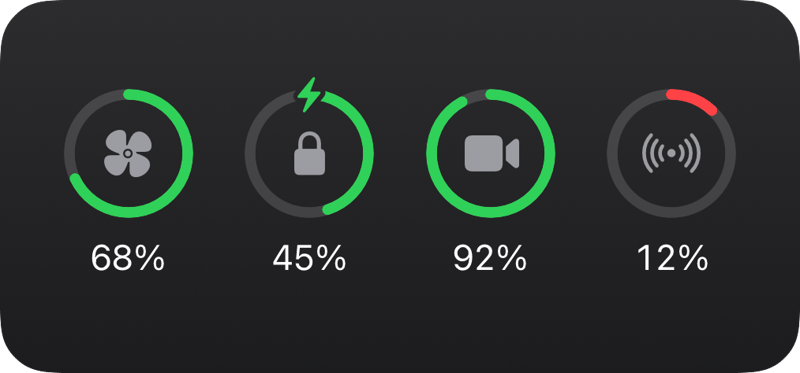
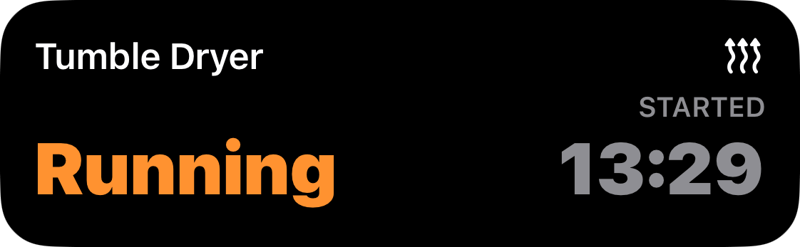
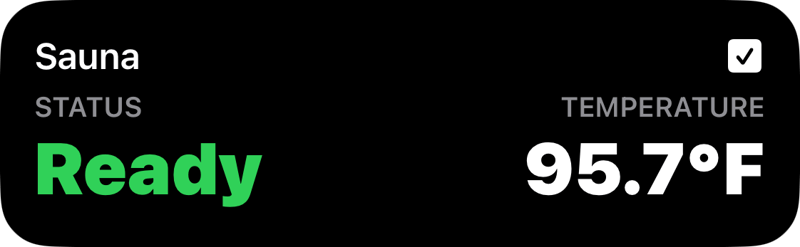
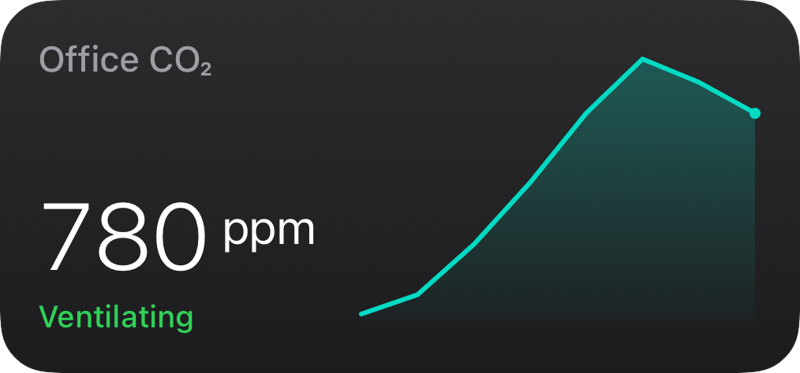
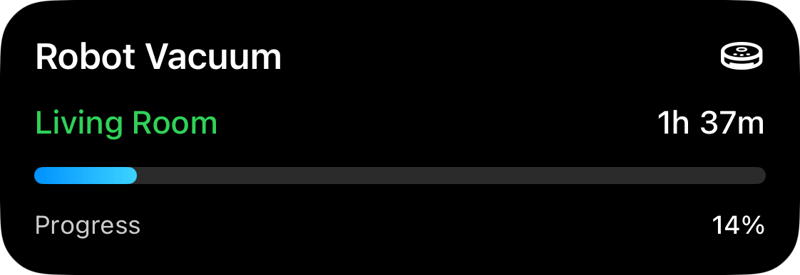
From dishwashers to EV chargers to 3D printers. If your device has a state, Aivi can put it on your lock screen.
Pricing
One plan.
The whole menu.
Pay monthly or save with annual billing. Either way, everything's included, and your subscribers never pay a thing.
Aivi costs $2.99 per month or $23.99 per year (about $2 per month billed annually), with the first week free.
Aivi
LIVE ACTIVITIES · OVER HTTP
- HTTP API incl.
- 5 concurrent activities incl.
- 20 widgets incl.
- 5 subscribers each incl.
- iPhone · Watch · CarPlay incl.
- Home Assistant blueprints incl.
- Live time formatters incl.
- First week FREE
200 OK · thank you · cancel anytime
subscribers always ride
free
Put it on the lock screen.
Download Aivi, make one HTTP call, and watch your dishwasher show up next to your notifications.