March 1, 2026
Meet the Monitor Template
Meet the Monitor template for live activity status updates. A flexible two-column layout with smart time formatters.
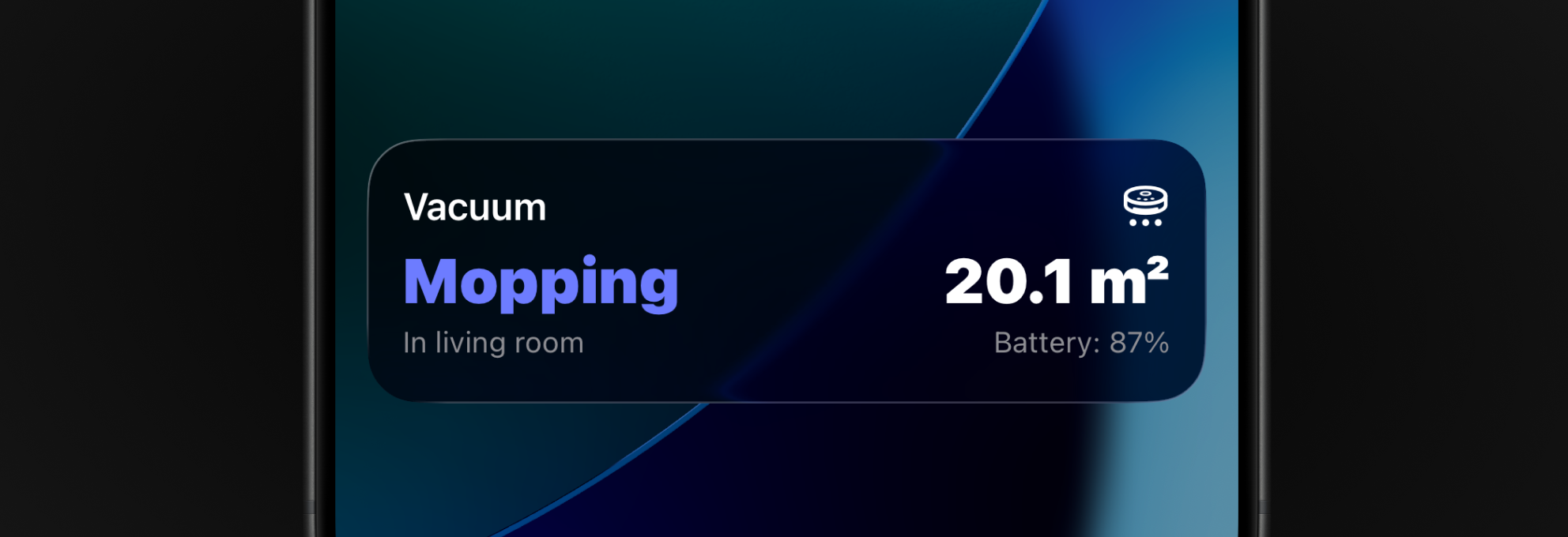
The Generic template just got a sibling — say hello to the Monitor template.
Monitor is built for activities that don’t map cleanly to a progress bar and rarely come with a reliable “time remaining”. Think: heating cycles, robot vacuum runs, deployments, or any other “tell me what’s happening right now” workflow.
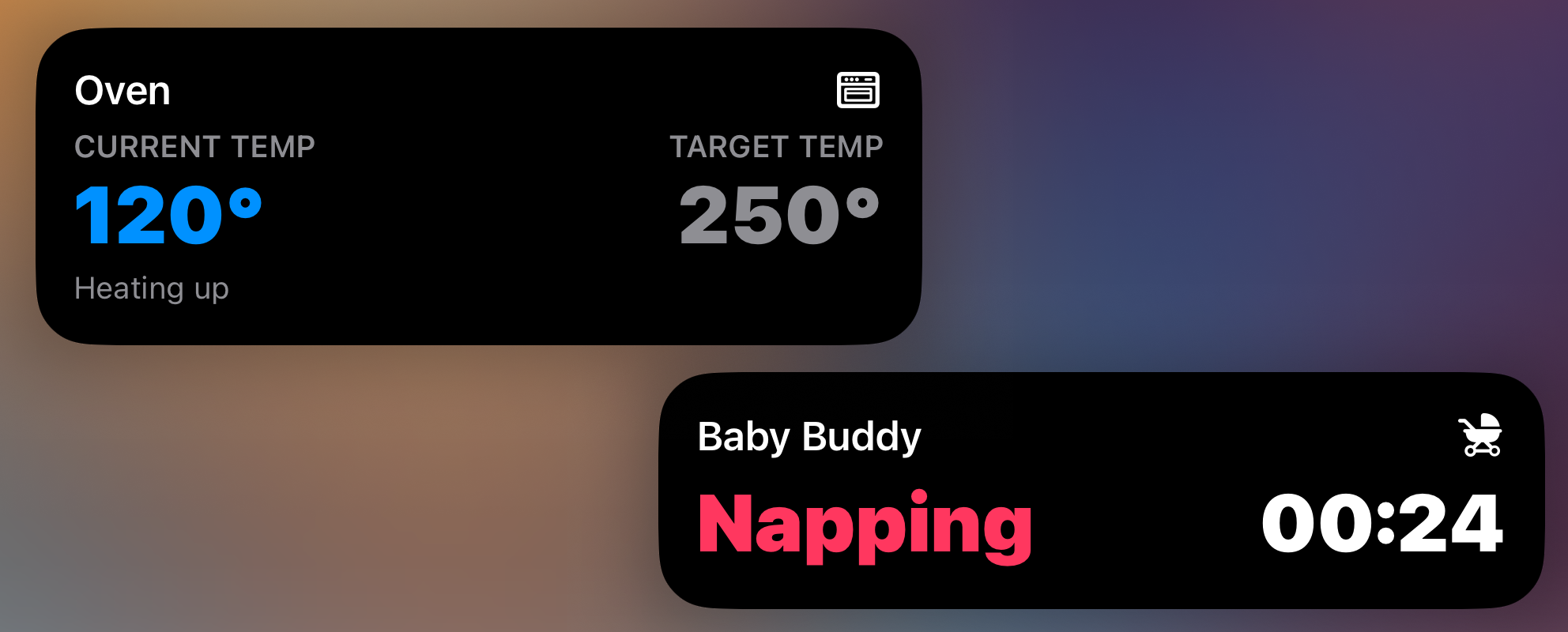
Designed to be customizable
Monitor pairs a primary state with optional extra context in a flexible two-column layout. You can fill one column or both, depending on how much information you want to show.
Each column centers around a value, with optional labels above and below it. That makes it easy to present information clearly without feeling cramped. Values can also be color-coded, so the Live Activity can communicate meaning at a glance (for example: good vs warning).
You can also decide which column should take priority on compact surfaces like the Dynamic Island, watchOS, and CarPlay.
Timer and stopwatch support
Accurate timers and stopwatches are surprisingly hard to represent in a Live Activity if you rely on constant server-driven updates. Network latency makes “update every minute” both noisy and fragile, and frequent updates can quickly burn through the Live Activity update budget.
The Monitor template solves this with optional formatting for time-based values. Instead of treating time as a static string that must be refreshed, you provide a moment in time (a start or end), and the device can keep the displayed time accurate on its own.
That allows true second-by-second precision, all without having to push any activity updates.
Home Assistant blueprint
For you that are using Home Assistant, the new template comes with a new blueprint. It supports optional headers/footers, custom value colors, time-based formatters, and per-column visibility rules (with optional custom triggers for templated fields). Everything you need to get started quickly.
Get started
To start using the new template, make sure to update your Aivi app to v1.1.1 and then head over to the monitor template docs to get the blueprint or to learn how to use the new template directly over the API.
Have a Live Activity setup you’re proud of, a bug to report, or an idea for what Aivi should do next? Swing by the community board.