Your home, on your Lock Screen.
Pick the entities behind each widget in the Aivi panel and it stays up to date. Its buttons act in Home Assistant. No YAML, no automations.
Free and open source. Home Assistant 2025.4 or newer.

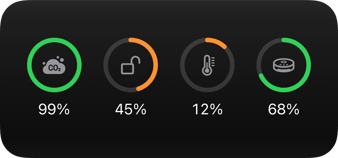 Aivi
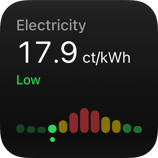 Aivi
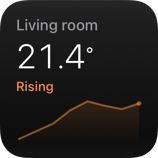 Aivi

Three steps. About five minutes.
The integration lives in HACS, the community store for Home Assistant. The button above adds it to your own HACS in one click.
-
Add Aivi to HACS
Open it in HACS with the button, or add the repository by hand. Download it, then restart Home Assistant.
-
Paste your token
Under Settings → Devices & services, add the Aivi integration and paste the API token from the app.
-
Pick entities, save
Open Aivi in the sidebar, choose what each widget shows and watch the preview. Save, and it’s on your phone.
Other ways to install, and each step in detail, are in the integration guide.
See the widget before your phone does.
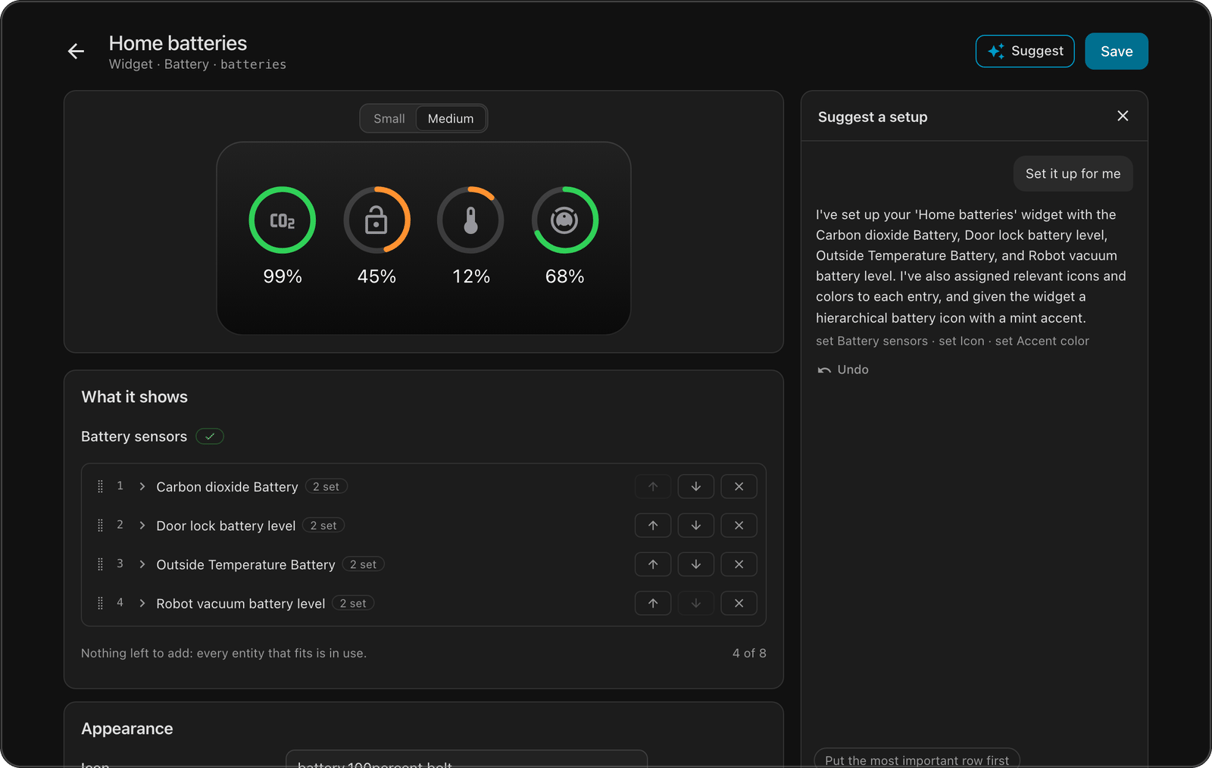
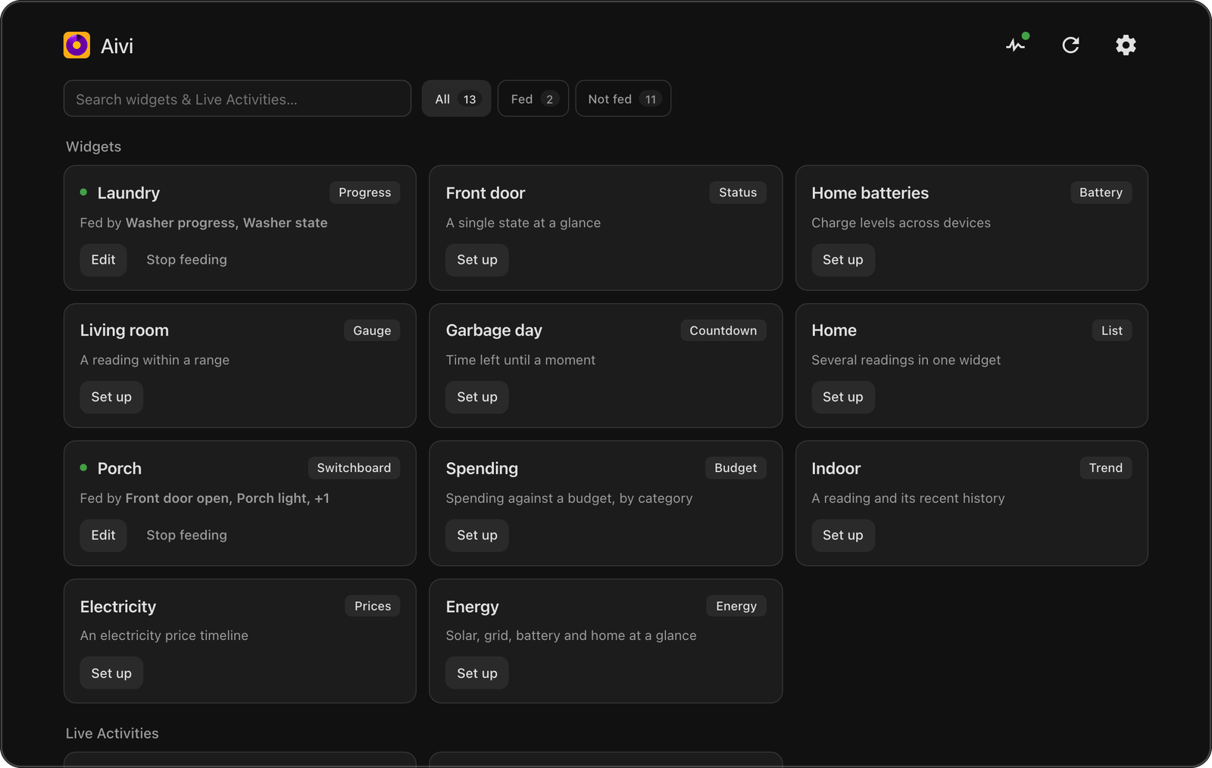
Open Aivi in the sidebar: every widget and Live Activity on your account, fed or not. Pick one, choose an entity for each field, and the preview follows along.
-
A form for every template
All thirteen widgets and the Progress, Monitor and Remote Live Activities, each with a live preview. Colors, icons and formatting are optional.
-
Starts from what it knows
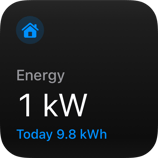
A Trend draws its line from recorded history, Prices reads your price sensor’s timeline, and Energy starts wired like your Energy dashboard.
-
Any value, any color
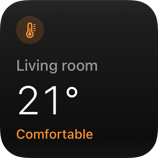
A field follows a state, an attribute, a fixed value or a template. A color can change with the reading: red below 20, green above 50.
-
Suggest
With an AI model set up for AI Task, a plain sentence becomes a filled-in form you can preview, adjust and undo.
Press it on your phone. It happens in Home Assistant.
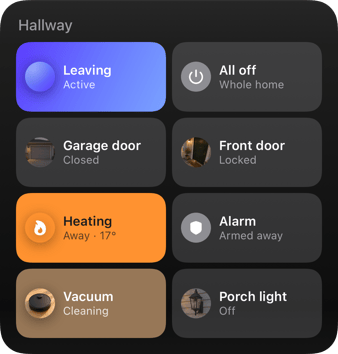
A Switchboard turns lights, locks, garage doors, thermostats, scenes and scripts into tiles. A Remote puts a few buttons next to a picture and a reading. No webhooks to set up.
- Each widget or Live Activity with buttons gets a Presses event entity to automate on.
-
Presses show up in the logbook, and each one fires an
aivi_actionevent. - The button shows the new state once Home Assistant has it.

 Aivi
 Aivi
 Aivi

Home Assistant tells you when a widget goes quiet.
Each account has a Subscription sensor and a Problem sensor that turns on when a widget stops updating, so an automation can tell you. Problems also show up under Repairs, and the panel’s Log lists every update and every press, with any error.
Only what’s on the widget leaves your house.
The values, labels, icons and colors you chose, and an ID for each button, go to Aivi’s API. Presses come back over a connection Home Assistant opens itself. Suggest talks to your AI model, not to Aivi, and diagnostics drop the token.
Asked on the forums.
- Is the integration free?
- Yes, it’s free and open source. The Aivi app needs a subscription: $2.99 a month or $23.99 a year, first week free.
- Do I need Home Assistant Cloud or an open port?
- No. Updates go out to Aivi’s API, and presses come back over a connection Home Assistant opens itself. Nothing needs to reach your Home Assistant from outside.
- Which Home Assistant version?
- 2025.4 or newer. HACS is the easiest way to install it; the docs cover the other ways.
- Can I connect more than one Aivi account?
- Yes. Add the integration again with the other account’s token; each account gets its own Subscription and Problem sensors.
- I already use the blueprints. Do I have to switch?
- No, blueprints keep working. Feed each widget from one place, though: if an automation and the panel both feed it, they overwrite each other, and the panel offers to turn that automation off.
- What does Suggest send, and where?
- Your request and the names of your entities, to the AI model you set up in Home Assistant. Not to Aivi. Nothing is saved until you save it.
Setting Aivi beside the Companion app? Read the Home Assistant Live Activities guide and the Home Assistant widgets guide.
Put Home Assistant on the Lock Screen.
Download Aivi, add the integration and pick an entity. Your first widget is about five minutes away.
First week free. The integration is free and open source.