Sixteen shapes. Send them numbers.
Thirteen widgets and three Live Activities, each shown here exactly as the app draws it. Point one at your sensors and it draws itself.
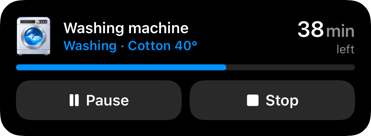
Live Activities
For something that runs and ends: on the Lock Screen, in the Dynamic Island, on Apple Watch and in CarPlay.
-
Remote New in 2.4
Live Activity
Progress, one reading and up to three buttons you press from the Lock Screen.
Great for
- Pause the wash or the vacuum
- Stop a charge before the idle fees
- “Emptied” when the dishwasher’s done
Lock Screen 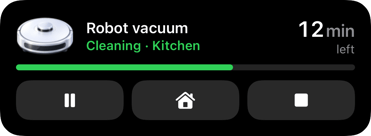
Dynamic Island 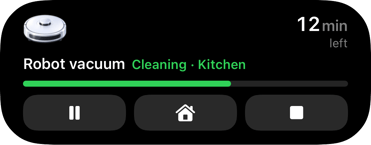
Apple Watch · CarPlay 
Compact Dynamic Island 
-
Progress
Live Activity
A job with a clear finish: a bar or segments, with a reading at each corner.
Great for
- Washer and dishwasher cycles
- Charging the car to its limit
- A 3D print or a backup
Lock Screen 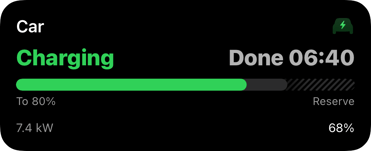
Dynamic Island 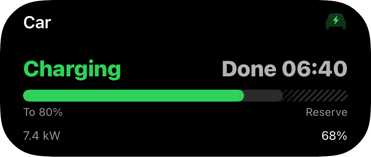
Apple Watch · CarPlay 
Compact Dynamic Island 
-
Monitor
Live Activity
Live readings while something runs, side by side in two columns.
Great for
- The oven and the meat probe
- A vacuum’s room and area
- The sauna heating up
Lock Screen 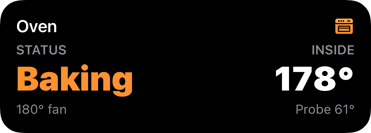
Dynamic Island 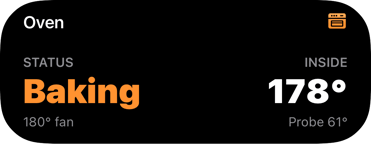
Apple Watch · CarPlay 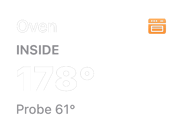
Compact Dynamic Island 
Widgets
For what’s always there: every one in every Home Screen size, on the Lock Screen and on Apple Watch.
-
Showcase New in 2.4
Widget
A picture of the thing, its state and up to six readings.
Great for
- The front door and its camera
- The car
- A 3D printer’s camera
Medium 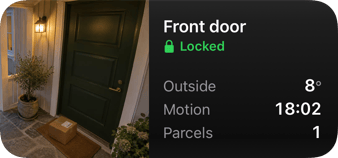
Small 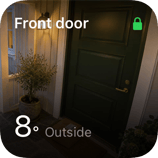
Large 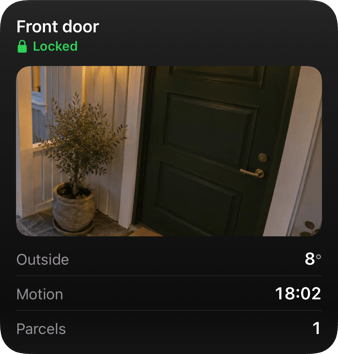
Extra large 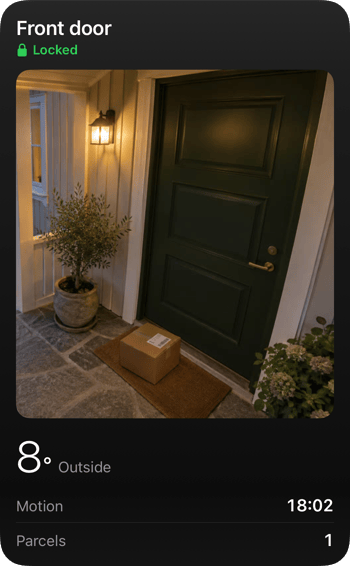
Lock Screen  Sat 18
 9:41


-
Remote New in 2.4
Widget
One device, its reading and up to five buttons and toggles.
Great for
- The car’s lock and climate
- The garage door
- Robot vacuum: start and dock
Medium 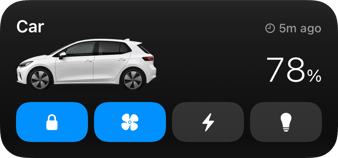
Small 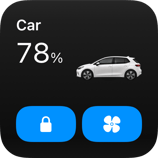
Large 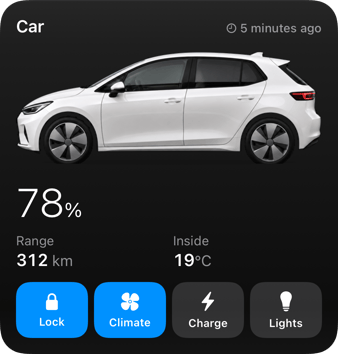
Extra large 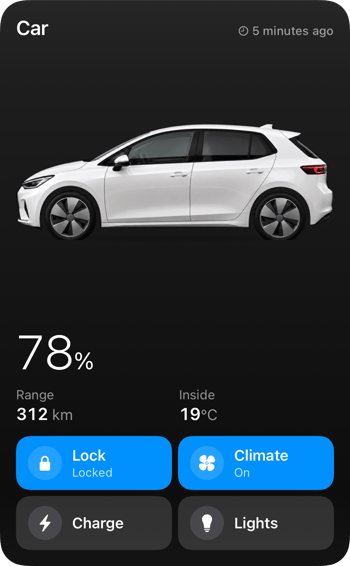
Lock Screen Sat 18 9:41


-
Switchboard
Widget
Up to eight scenes, lights and switches, pressed right on the Home Screen.
Great for
- Leaving the house
- Lights and scenes
- Heating and the alarm
Medium 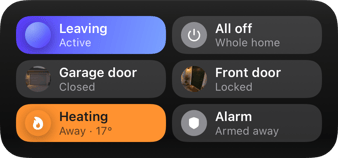
Small 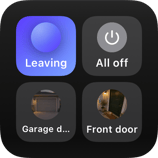
Large 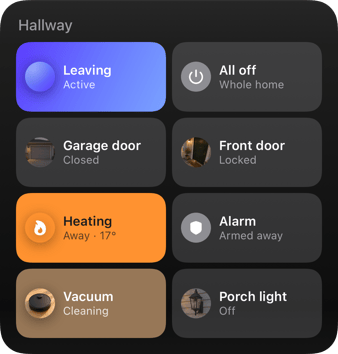
Extra large 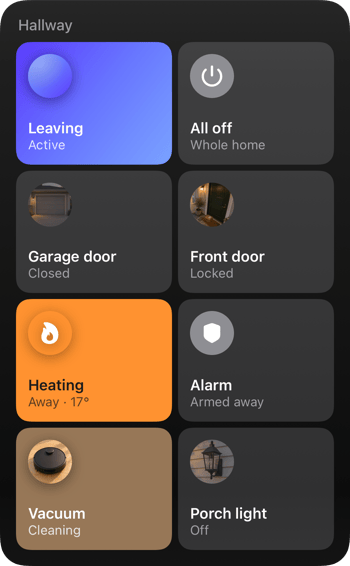
Lock Screen Sat 18 9:41


-
Status
Widget
One reading and the state it’s in.
Great for
- A room’s temperature
- A door, open or shut
- A device online
Medium 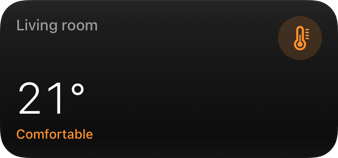
Small 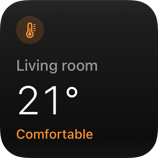
Large 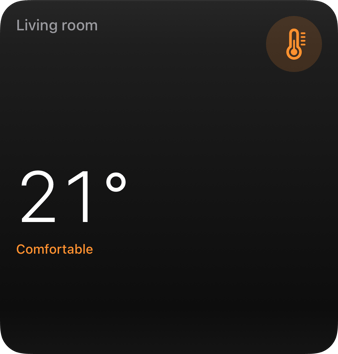
Extra large 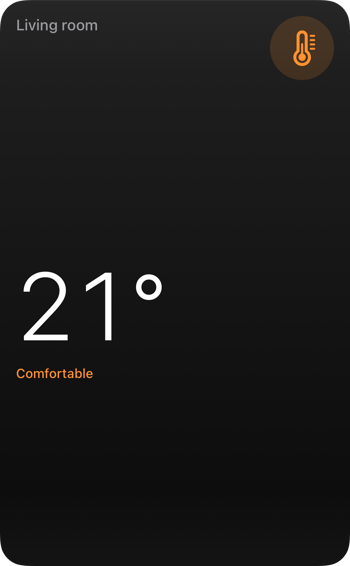
Lock Screen Sat 18 9:41


-
Progress
Widget
Something running to completion, counting down to its end.
Great for
- A wash cycle
- A print job
- A download
Medium 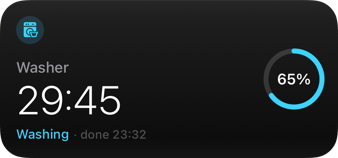
Small 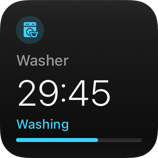
Large 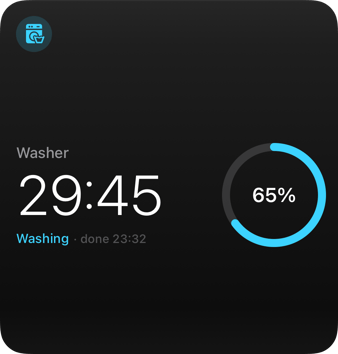
Extra large 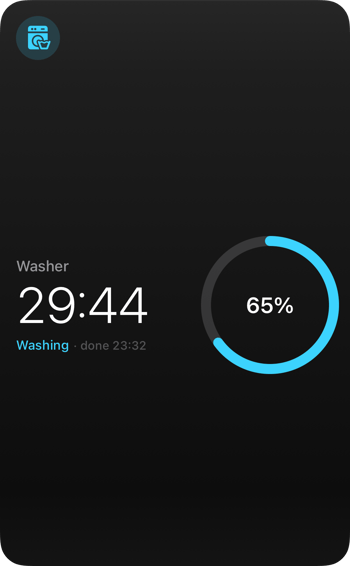
Lock Screen Sat 18 9:41


-
Gauge
Widget
A reading within its range, on a dial.
Great for
- CO₂ and air quality
- Humidity
- A tank’s fill level
Medium 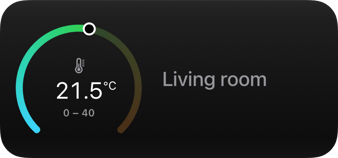
Small 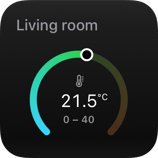
Large 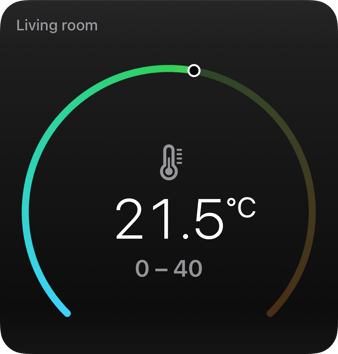
Extra large 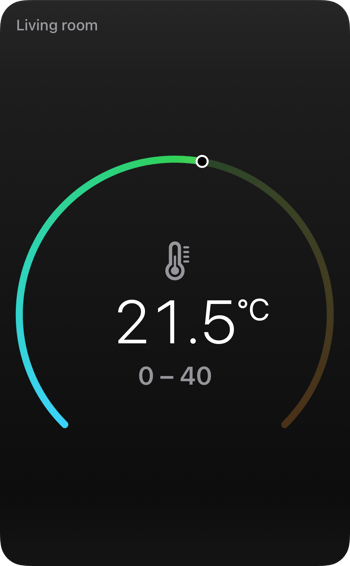
Lock Screen Sat 18 9:41

-
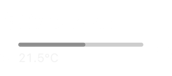
Battery
Widget
Every battery in the house, the low ones first.
Great for
- Door locks and sensors
- The robot vacuum
- Phones and the car
Medium 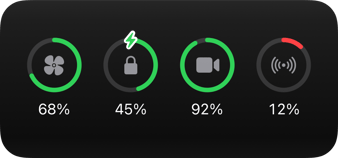
Small 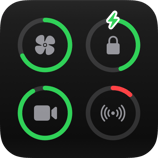
Large 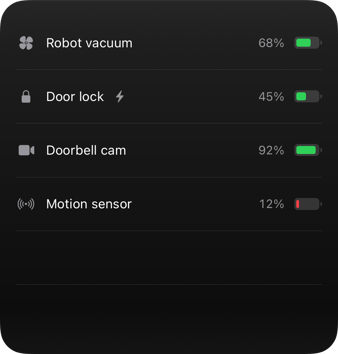
Extra large 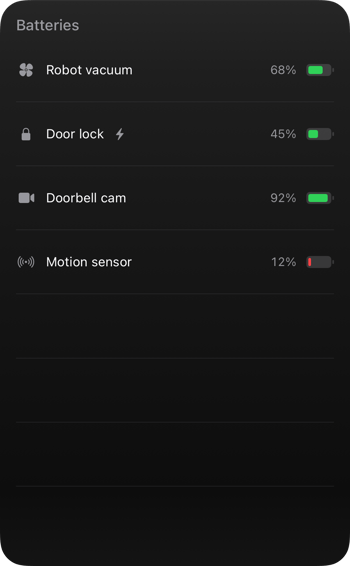
Lock Screen Sat 18 9:41


-
Budget
Widget
Spending against a limit, by category.
Great for
- A monthly budget
- A data allowance
Medium 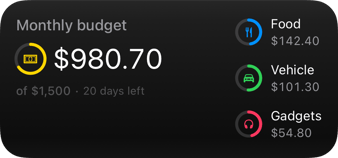
Small 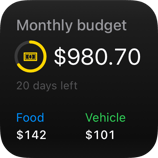
Large 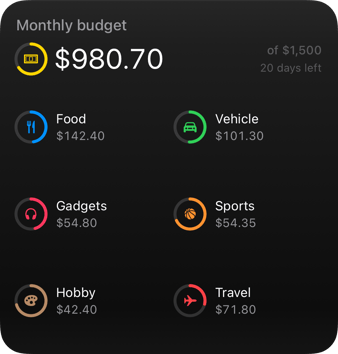
Extra large 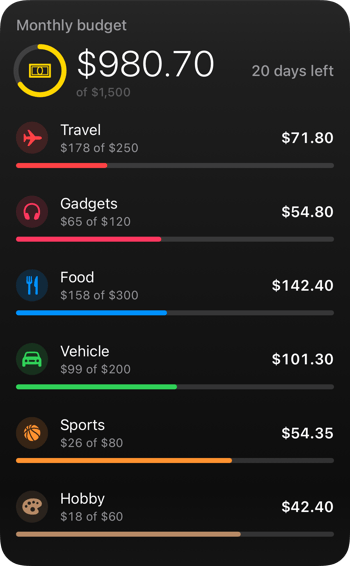
Lock Screen Sat 18 9:41


-
Trend
Widget
A reading and where it’s heading.
Great for
- Indoor temperature
- Power draw
- CO₂ through the day
Medium 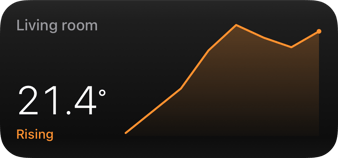
Small 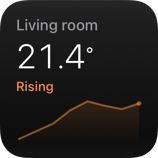
Large 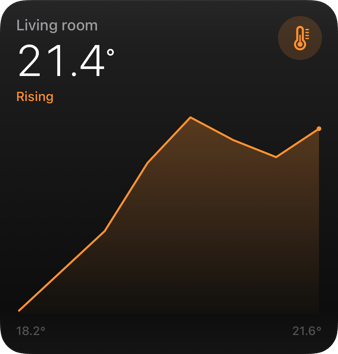
Extra large 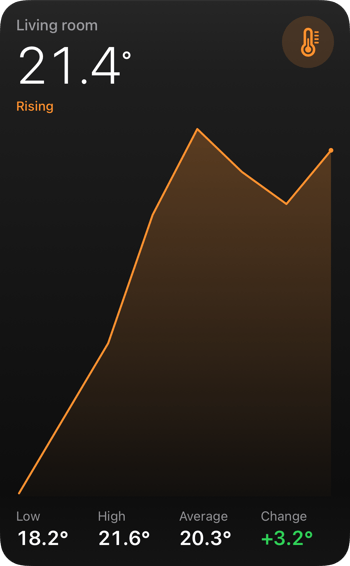
Lock Screen Sat 18 9:41


-
Countdown
Widget
The time left until a moment.
Great for
- Bin day
- A departure
- The next holiday
Medium 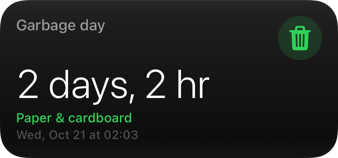
Small 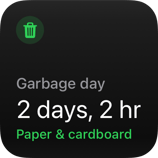
Large 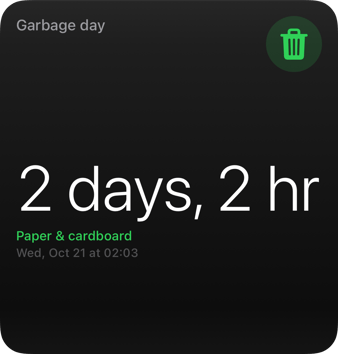
Extra large 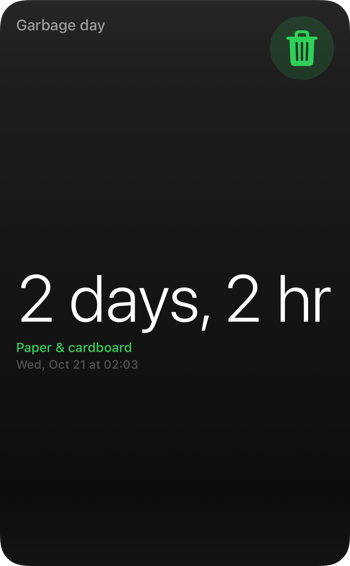
Lock Screen Sat 18 9:41


-
List
Widget
Several readings in one widget.
Great for
- Every room’s temperature
- Locks and doors at a glance
Medium 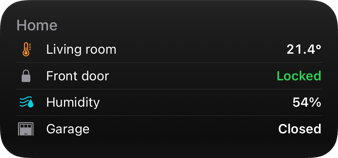
Small 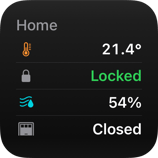
Large 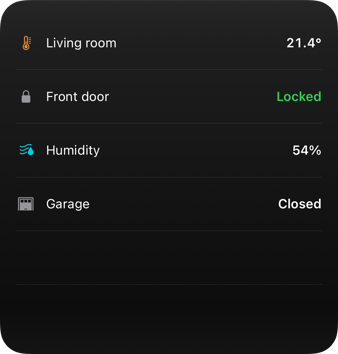
Extra large 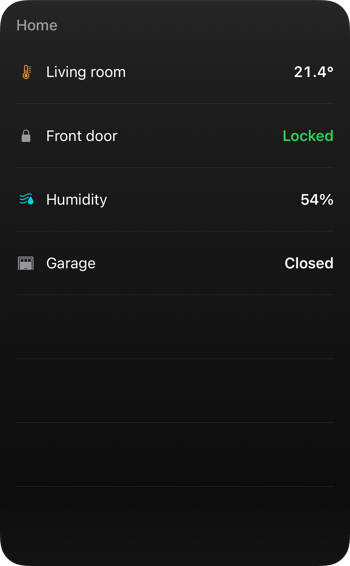
Lock Screen Sat 18 9:41

-
Prices
Widget
Today’s electricity prices, the cheap hours marked.
Great for
- Nord Pool, Tibber or Octopus Agile
- When to run the dishwasher
Medium 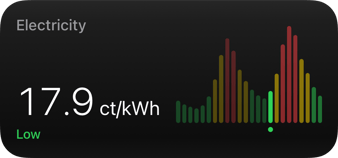
Small 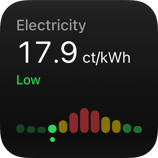
Large 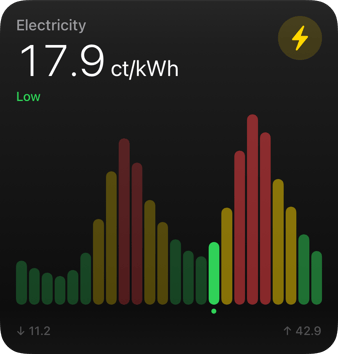
Extra large 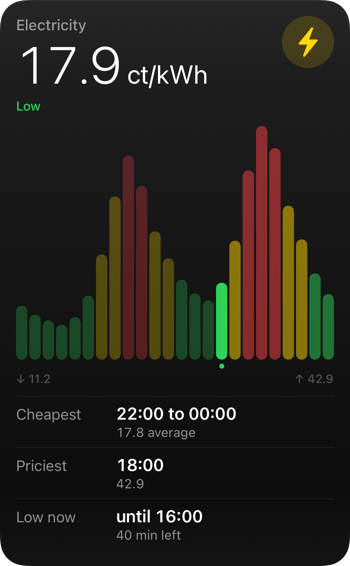
Lock Screen Sat 18 9:41


-
Energy
Widget
The power flowing through your home.
Great for
- Solar, grid and battery
- What the house uses today
Medium 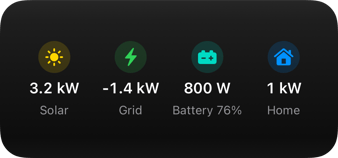
Small 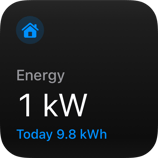
Large 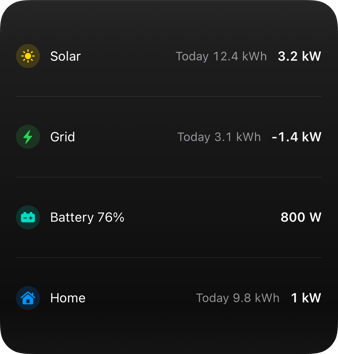
Extra large 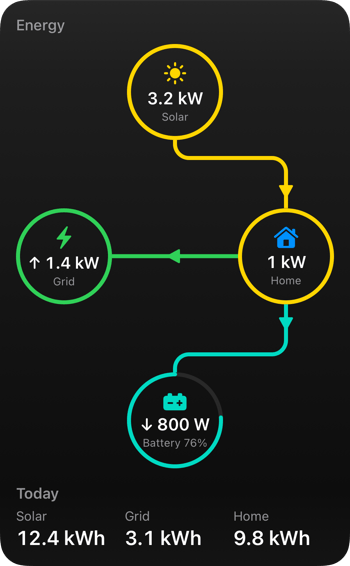
Lock Screen Sat 18 9:41


Pick one. Send it numbers.
From Home Assistant without YAML, or with one HTTP request from anything else.